


- News
- All News
- Mobiles
- Laptops
- Watches
- Cameras
- Printers
- Refrigerators
- Televisions
- Air Conditioners
- Washing Machines
- Air Purifiers
- Water Purifiers
- Expert Reviews
- All Reviews
- Mobiles
- Laptops
- Watches
- Cameras
- Printers
- Refrigerators
- Televisions
- Air Conditioners
- Washing Machines
- Air Purifiers
- Water Purifiers
- Articles
- All Articles
- Mobiles
- Laptops
- Watches
- Cameras
- Printers
- Refrigerators
- Televisions
- Air Conditioners
- Washing Machines
- Air Purifiers
- Water Purifiers
- Videos
- Videos

Ad
Best Gaming Laptops Under ₹80,000 in India (2026)


on Google
on Google
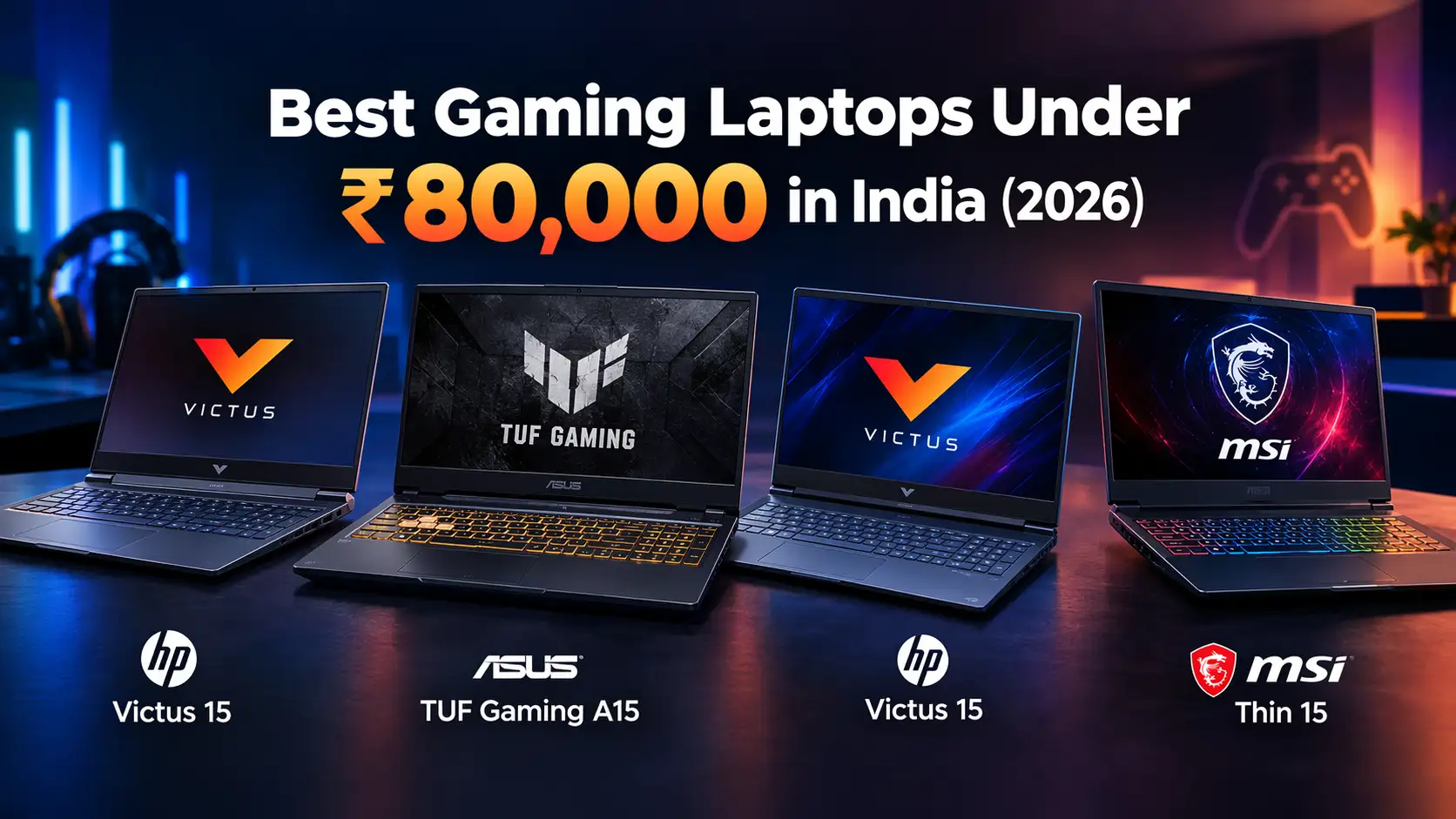
Finding the best gaming laptop under ₹80,000 in India in 2026 is easier when you compare the graphics card, processor, display refresh rate and upgrade options instead of focusing only on the brand. Models from HP, ASUS and MSI offer dedicated NVIDIA GeForce RTX graphics, making them suitable for popular games, competitive esports and everyday productivity.
In this guide, we compare four gaming laptops from the brands: HP, ASUS and MSI . Each has a different combination of processing power, graphics performance, design and portability.
Quick Comparison
Laptop Model | Processor | Graphics | RAM / Storage | Price |
HP Victus 15-fb3125AX | Ryzen 7 7445HS | RTX 3050 | 16GB / 512GB SSD | ₹79,490–₹82,494 |
ASUS TUF Gaming A15 FA506NCG | Ryzen 7 | RTX 3050 4GB | 16GB / 512GB SSD | ₹99,990 |
HP Victus 15-fa2192TX | Intel Core i5-13420H | RTX 3050A 4GB | 16GB / 512GB SSD | ₹74,990–₹78,990 |
MSI Thin 15 B13VE | Intel Core i5/i7 | RTX 4050 6GB | Varies by SKU | ₹1,89,492 |
*Prices and configurations can vary between retailers, so check the exact model number before purchasing.
Best Gaming Laptops Under ₹80,000 in India
1. HP Victus 15-fb3125AX
The HP Victus 15-fb3125AX is worth considering for gamers who want an AMD Ryzen 7 processor and dedicated NVIDIA graphics.It is best for gaming and multitasking.
Price: ₹79,490-₹82,494
Key specifications
Processor: AMD Ryzen 7 7445HS
Graphics: NVIDIA GeForce RTX 3050
RAM: 16GB
Storage: 512GB SSD
Display: 15.6-inch Full HD
Operating system: Windows 11 Home

2. ASUS TUF Gaming A15
The ASUS TUF Gaming A15 FA506NCG is a strong option for gamers who prioritise performance and a durable design.
Price: ₹99,990
Key specifications
Processor: AMD Ryzen 7 7445HS
Graphics: NVIDIA GeForce RTX 3050 4GB
RAM: 16GB
Storage: 512GB SSD
Display: 15.6-inch Full HD, 144Hz
Operating system: Windows 11 Home

3. HP Victus 15-fa2192TX
The HP Victus 15-fa2192TX is an option for buyers who prefer an Intel processor.
Price: ₹74,990–₹78,990
Key specifications
Processor: Intel Core i5-13420H
Graphics: NVIDIA GeForce RTX 3050A 4GB
RAM: 16GB
Storage: 512GB SSD
Display: 15.6-inch Full HD
Operating system: Windows 11 Home

4. MSI Thin 15 B13VE
The MSI Thin 15 B13VE series is designed for users who want gaming hardware in a comparatively slim chassis.
Price: ₹1,89,492
Key specifications
Processor: Varies by configuration; some models use Intel Core i5-13420H or Core i7-13620H
Graphics: NVIDIA GeForce RTX 4050 Laptop GPU, 6GB, on relevant B13VE configurations
RAM: Varies by configuration
Storage: Varies by configuration
Display: 15.6-inch Full HD; 144Hz on relevant configurations
Operating system: Depends on the listing

What Should You Check Before Buying a Gaming Laptop?
Graphics Card
An RTX 3050 is suitable for many 1080p games, while an RTX 4050 can offer better performance. Results depend on cooling and GPU power limits.
Display Refresh Rate
A 144Hz display provides smoother motion in fast-paced games. Also check brightness and colour coverage.
RAM and Storage
Choose at least 16GB RAM and a 512GB SSD. Check upgrade options for future needs.
Cooling and Battery Life
Good cooling helps maintain performance and control fan noise. Gaming drains the battery quickly, so use the supplied charger for demanding games.
Which Gaming Laptop Should You Buy Under ₹80,000?
Gaming Laptop | Best For | Why Choose It? |
HP Victus 15-fb3125AX | Gaming and multitasking | Ryzen 7 processor and 16GB RAM for gaming and everyday performance. |
ASUS TUF Gaming A15 FA506NCG | Gaming and durability | 144Hz display and durable design for a smoother gaming experience. |
HP Victus 15-fa2192TX | Gaming and productivity | Intel Core i5 processor, suitable for gaming, studying and everyday work. |
MSI Thin 15 B13VE | Gaming and creative work | An RTX 4050 configuration can offer better gaming performance, provided it fits within the ₹80,000 budget. |
Frequently Asked Questions
1. Which is the best gaming laptop under ₹80,000 in India in 2026?
The best choice depends on the exact configuration and current price. The ASUS TUF Gaming A15 is a balanced option with a 144Hz display whereas the HP Victus models offer alternative AMD and Intel configurations. An MSI Thin 15 B13VE with an RTX 4050 is worth considering if available within budget.
2. Is an RTX 3050 good enough for gaming in 2026?
Yes. An RTX 3050 can run many popular esports and mainstream games at 1080p, although newer demanding titles may require reduced graphics settings. Its performance also depends on GPU wattage and available VRAM.
3. Is 16GB RAM enough for a gaming laptop?
For most gaming and everyday multitasking, 16GB is a reasonable starting point. Users who run demanding creative applications or several resource-intensive programs simultaneously may benefit from additional memory, if the laptop supports an upgrade.
Also Read: Best Laptops Under ₹50,000 in India (2026)
Ad
Ad
Confused? Choose Your Phone
What Matters Most


Get TheWeekly Brief
One email each morning: the launches,
the price changes and the reviews
worth reading.

Ad
Ad
 |
|
807, 808, 8th Floor,
IRIS Tech Tower Sohna Road Sector 48,
Gurugram, Haryana - 122018