


- News
- All News
- Mobiles
- Laptops
- Watches
- Cameras
- Printers
- Refrigerators
- Televisions
- Air Conditioners
- Washing Machines
- Air Purifiers
- Water Purifiers
- Expert Reviews
- All Reviews
- Mobiles
- Laptops
- Watches
- Cameras
- Printers
- Refrigerators
- Televisions
- Air Conditioners
- Washing Machines
- Air Purifiers
- Water Purifiers
- Articles
- All Articles
- Mobiles
- Laptops
- Watches
- Cameras
- Printers
- Refrigerators
- Televisions
- Air Conditioners
- Washing Machines
- Air Purifiers
- Water Purifiers
- Videos
- Videos

Ad
Phone Battery Draining Fast? 8 Reasons and Fixes


on Google
on Google
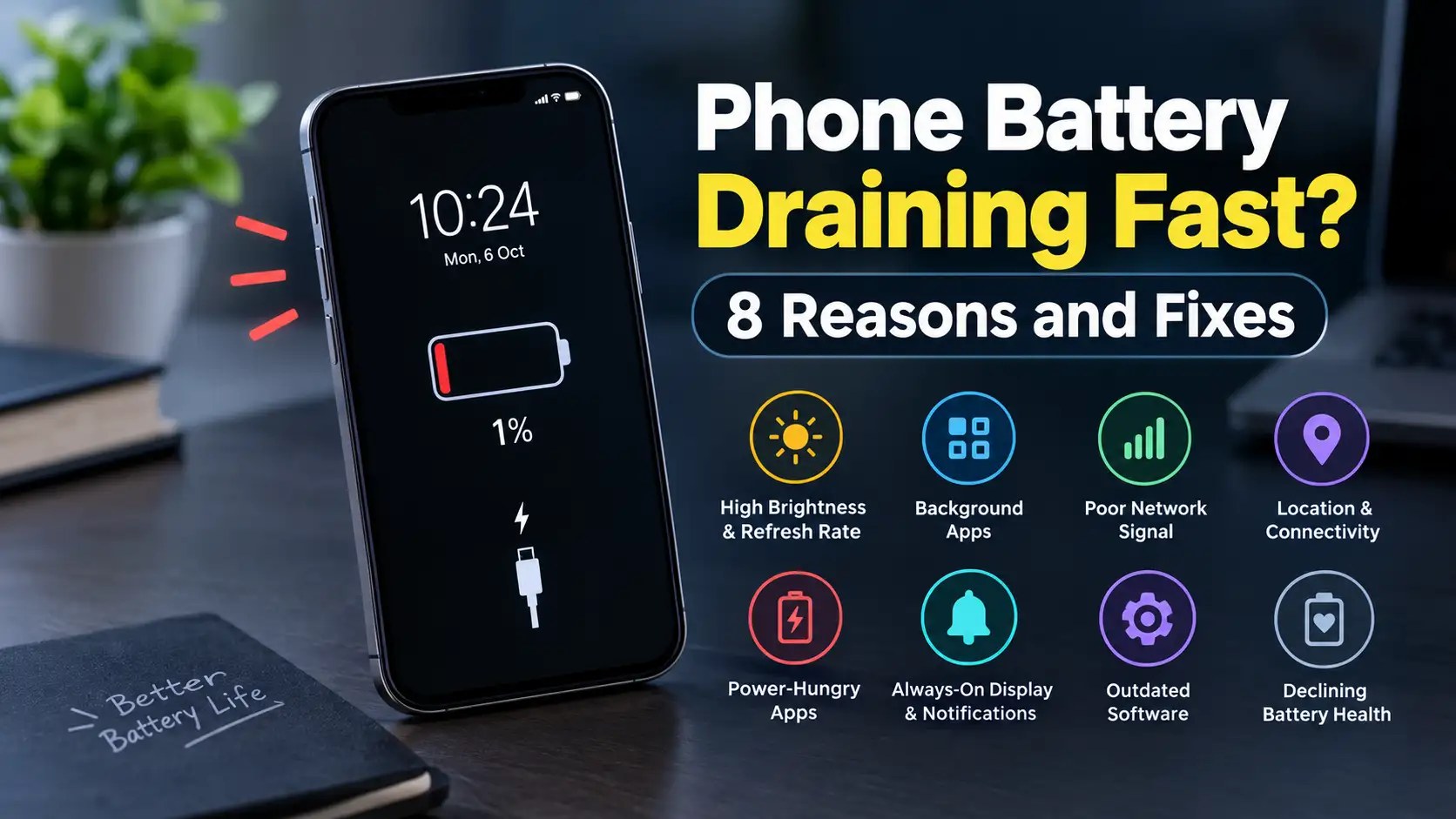
Does your battery has started dropping faster than usual ?Don't just run to blame the battery only. A lot of the time its our small day to day habits and setting that eats the battery quietly and quickly. Background apps, a bright screen, a shaky network signal, location access and even old software can all add up over the course of a day.
Here are 8 common reasons your battery runs down quickly and what you can do to fix it -
1. Bright Screen and High Refresh Rate
Our mobile display is one of the hungriest parts of your phone especially if you have a bright AMOLED screen running at 90Hz, 120Hz or higher.
Fix for it : Turn on adaptive brightness and drop to a standard refresh rate when you need your battery to last longer. If your phone has an OLED or AMOLED screen then the dark mode can make it survive it a bit more.
2. Apps Working Behind Your Back
In our phones plenty of apps keep syncing data, checking for notifications or keeping your location on even when you are not looking at them.
Fix for it : Head to Settings > Battery > Battery Usage and see which apps are using the most power. For the for the app that you barely even use, restrict their background activity.
3. A Weak 4G/5G Signal
When your phone has to keep hunting for a signal or hopping between towers, it burns extra power. You'll notice this most in places with poor indoor coverage.
Fix for it: Connect to Wi-Fi whenever you can. If 5G is patchy where you live or work, switching to 4G/LTE can sometimes help your battery last longer.
4. Location, Bluetooth and Other Connections
GPS, Bluetooth, hotspot, NFC and always keeping on your location access can all drain power when you're not actually using them.
Fix for it: Switch off the apps that you don't use and check which apps can see your location. For apps that don't need to track you constantly, choose "While using the app" or the closest equivalent.
5. Power-Hungry Apps
Social media, video streaming, games, navigation and camera apps can take a big bite out of your battery, especially during long sessions.
Fix for it : Look at your battery usage page to spot the biggest culprits for battery draining. Then spend a little less time on them, lower the video quality or limit their background activity where it makes sense.
6. Always-On Display and Constant Notifications
An always-on display keeps part of your screen lit all day and a consistent stream of notifications keeps waking the screen and triggering background activity.
Fix for it: Disable the on notifications you don't really need and think about turning off Always-On Display if you want to squeeze out maximum battery life.
7. Outdated Software
An old operating system or app version can sometimes cause bugs, extra background activity or poor power management.
Fix for it: Install any pending system and app updates. If the drain began right after an update, give your phone a day or two to finish its background optimisation before assuming something is physically wrong.
8. An Aging Battery
Lithium-ion batteries naturally looses it's capacity over time. If your phone is a few years old then it may simply not hold as much charge as it once did.
Fix for it: Check the battery health information on your phone. If the battery has worn down a lot, getting it replaced at an authorised service centre will likely help far more than adjusting settings.
Quick Ways to Slow the Drain
Before you pay for a new battery, try these easy steps first:
- Lower your screen brightness
- Turn on adaptive brightness
- Switch to a lower refresh rate
- Restrict background activity for power-hungry apps
- Turn off location and connectivity features you aren't using
- Stick to Wi-Fi where possible
- Cut back on unnecessary notifications
- Keep your phone and apps up to date
Ad
Ad
Confused? Choose Your Phone
What Matters Most


Get TheWeekly Brief
One email each morning: the launches,
the price changes and the reviews
worth reading.

Ad
Ad
 |
|
807, 808, 8th Floor,
IRIS Tech Tower Sohna Road Sector 48,
Gurugram, Haryana - 122018