



Ad
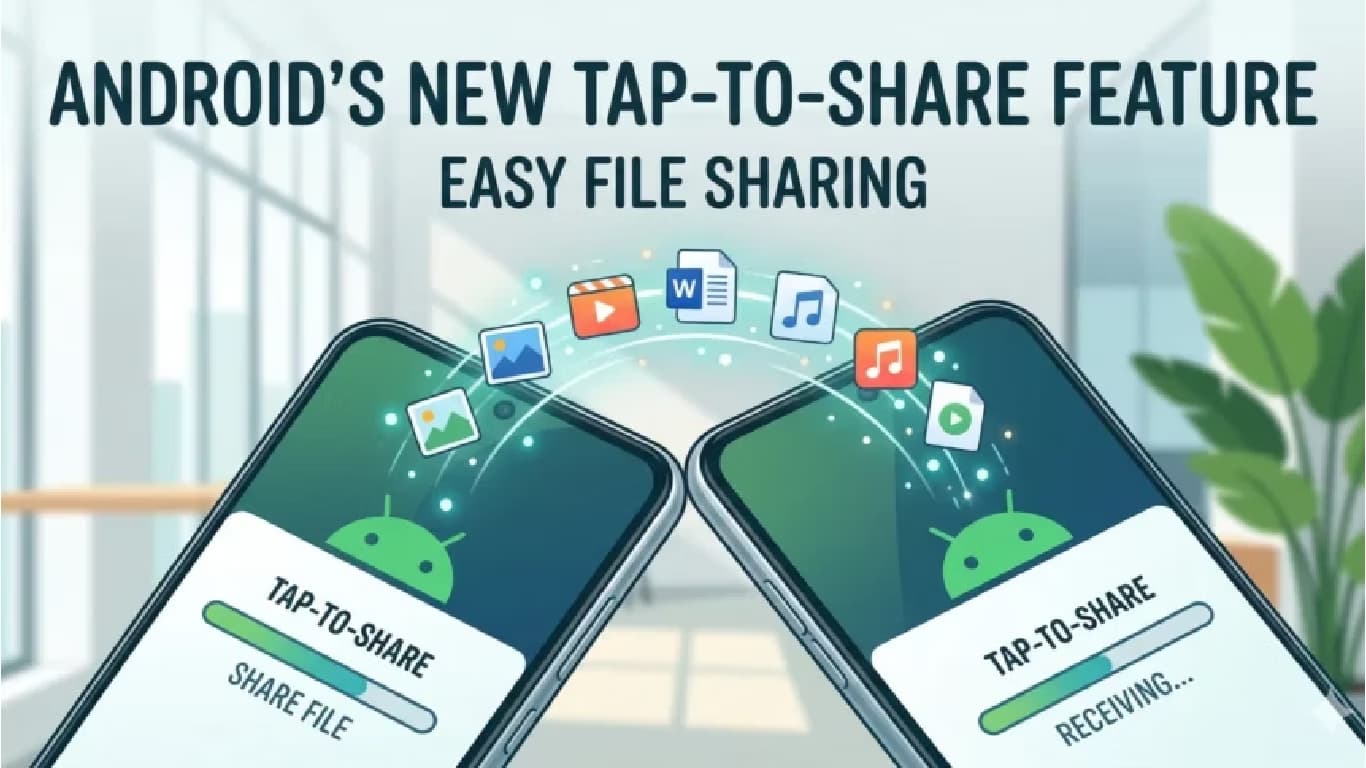
Google Developing Tap to Share Feature for Easier Android File Transfers



Follow Us:


746 views
Google is developing a new feature called Tap to Share for Android devices. This tool aims to simplify file and contact sharing by allowing users to transfer data by bringing two smartphones together. The feature works similarly to Apple’s NameDrop, removing the need for manual share selection.
Key Highlights
- Google is developing Tap to Share for easier Android file and contact transfers
- Feature uses NFC for initial connection and switches to Wi-Fi or Bluetooth for large files
- Both devices must be unlocked and aligned for successful data transfer
- Customizable contact-sharing interface offers users more privacy and control
- Tap to Share is expected to debut with Android 17 later this year
Feature Details and Functionality
Android Authority first reported the feature after examining Google Play Services code, with information from tipster AssembleDebug. Tap to Share is expected to support sharing contacts, photos, videos, links, and location data. The feature is designed to be user-friendly, requiring both devices to be unlocked before starting a transfer.
To use Tap to Share, users align their phones, typically by overlapping the top edges or placing them screen-to-screen. When the devices connect, a soft glow animation appears on the display, confirming the connection and the start of the transfer. If the connection fails, users may need to reposition the devices, such as placing them back-to-back. This adjustment is necessary because Android devices have different NFC antenna placements depending on the manufacturer.
Technology and Integration
Tap to Share uses NFC to establish the initial connection between devices. For larger files like videos or multiple images, the feature is expected to switch to faster transfer methods such as Wi-Fi or Bluetooth. This approach ensures efficient data transfer regardless of file size.
The feature is not being developed from scratch. Instead, it will integrate with Android’s existing share sheet and is likely to work alongside Quick Share, Google’s current file-sharing system. Early versions of Tap to Share seen on Samsung devices include a customizable contact-sharing interface. Users can choose which details to share, such as phone numbers, email addresses, or profile photos, providing more control and privacy.
Release Timeline and Availability
Google has not officially announced Tap to Share. The feature remains under development, but its integration within system components suggests it may launch with Android 17 later this year. Some early versions have appeared on select Samsung devices running experimental software, indicating that preparations for rollout are underway. Other manufacturers are expected to adopt similar capabilities once the feature becomes part of the core Android experience.
Latest News


Reviews & Guides
View All


Samsung Galaxy Buds 4 Pro Review: क्या ₹22,999 में मिलते हैं सबसे बेहतरीन प्रीमियम वायरलेस ईयरबड्स?

कंटेंट क्रिएटर के लिए सबसे दमदार बैटरी लाइफ वाले Windows लैपटॉप, 18 घंटे की मिलेगी बैटरी लाइफ

Samsung Galaxy S26 Ultra क्यों है साल का सबसे बेहतरीन स्मार्टफोन? जानें 5 बड़े कारण

MacBook Neo Review: सस्ता नहीं, Apple का मास्टरस्ट्रोक है ये Laptop!

Samsung Galaxy S26 Ultra Review: AI से लेकर प्राइवेसी डिस्प्ले है सबसे खास, जानें कैसी है परफॉरमेंस
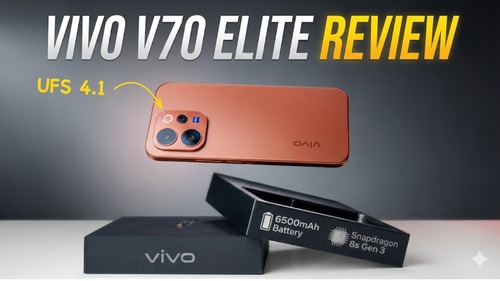
Vivo V70 Elite Review 2026: Price in India, Specs, Features

Apple AirPods 5: Price in India, Features and Specifications

Haier Smart TV Review 2026: Is It Worth Buying?

Best 55-Inch TVs Under ₹50,000 in India

Best 5 AI TVs in India – LG, Samsung, Sony & TCL Compared

Best Phone Under ₹10,000 for Elderly and Senior Citizens

Haier 32, 43 & 55 Inch LED TV: Full Specifications & Price Comparison





 |
|
807, 808, 8th Floor,
IRIS Tech Tower Sohna Road Sector 48,
Gurugram, Haryana - 122018