



Ad
Expert Reviews
Google Tests Gemini-Powered Device Help Tool in Latest App Beta



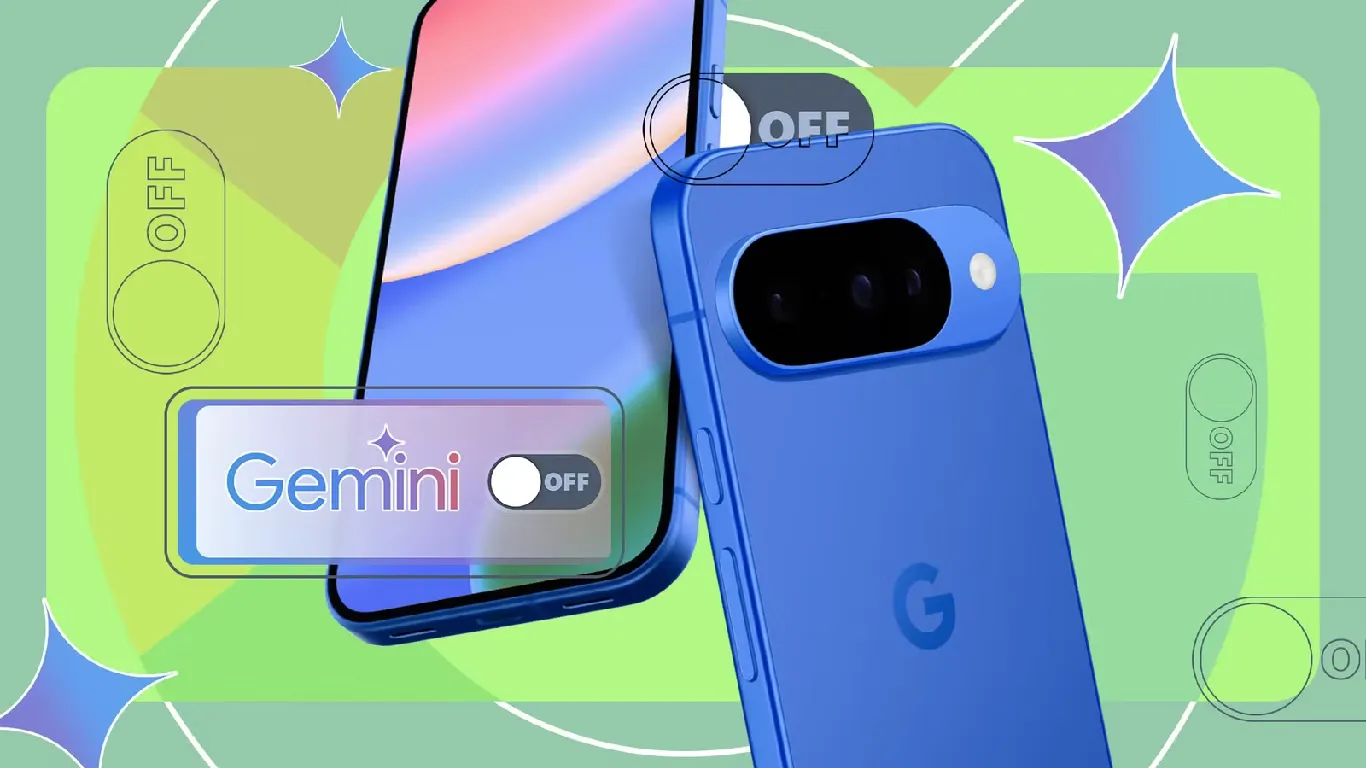
Google has started testing a new "Device help" tool powered by Gemini in its latest app beta. This tool allows users to have conversations with Gemini to troubleshoot their phones. The feature is currently available in the "plus" menu within Gemini, positioned just above Personal Intelligence. At this stage, "Device help" appears as a limited test and not a full rollout.
Key Highlights
- Google tests Gemini-powered Device help tool in latest app beta release
- Device help answers questions, troubleshoots issues, and manages settings for users
- Feature is experimental and currently available only in Google app beta version 17.52
- Device help provides support for Pixel features and step-by-step guidance
The tool is accessible in version 17.52 of the Google app, which is the latest beta release. A Labs badge marks the feature, indicating that it remains experimental. Google often rolls out new features gradually, so wider availability may follow in the future.
Device Help Tool Features
The Device help tool can answer a variety of questions about your device. It assists with adjusting settings and troubleshooting issues. Users can ask about connectivity problems, battery life concerns, audio issues, or app performance. The tool can also help free up storage, review storage usage, and audit app permissions.
Additionally, Device help manages app notifications and configures app timers. It provides step-by-step guidance on using device features, gestures, camera capabilities, and privacy settings. This support aims to make it easier for users to resolve common phone issues without external help.
Availability and Experimental Status
Currently, the Device help tool is only available to users in the beta version 17.52 of the Google app. The Labs badge signals that Google is still testing the feature. There is no confirmation on when or if the tool will reach all users. Google's previous feature rollouts have often taken time to reach the entire user base.
The tool’s placement in the Gemini "plus" menu suggests it is part of ongoing efforts to expand Gemini's capabilities. Users who have access can find Device help at the bottom of the menu, above Personal Intelligence. The limited release allows Google to gather feedback and improve the tool before a possible wider launch.
Support for Pixel Devices
Device help can also provide detailed information about Pixel device features. It offers guidance on using specific hardware and software functions unique to Pixel phones. This includes instructions on gestures, camera options, and privacy controls. The tool aims to enhance the user experience for Pixel owners by simplifying troubleshooting and device management.
Follow Us:



Ad
Recent News

GrapheneOS to Support 2027 Motorola Flagship Devices with Extended Updates
25-Aug-2026 06:30 AM

Google Tests Gemini-Powered Device Help Tool in Latest App Beta
25-Aug-2026 04:31 AM

Poco F9 Pro and F9 Ultra Global Launch Set for September 1
25-Aug-2026 12:30 AM

Temple Wearable by Zomato Founder Set for Limited Launch in India
24-Aug-2026 03:30 PM

Leaked Galaxy S27 Ultra Renders Reveal Major Camera and Design Changes
24-Aug-2026 03:30 PM

Uber Fined €825 Million by Dutch Regulator Over Automated Driver Account Decisions
24-Aug-2026 01:30 PM
Ad
Reviews & Guides
View All


Samsung Galaxy Buds 4 Pro Review: क्या ₹22,999 में मिलते हैं सबसे बेहतरीन प्रीमियम वायरलेस ईयरबड्स?

कंटेंट क्रिएटर के लिए सबसे दमदार बैटरी लाइफ वाले Windows लैपटॉप, 18 घंटे की मिलेगी बैटरी लाइफ

Samsung Galaxy S26 Ultra क्यों है साल का सबसे बेहतरीन स्मार्टफोन? जानें 5 बड़े कारण

MacBook Neo Review: सस्ता नहीं, Apple का मास्टरस्ट्रोक है ये Laptop!

Samsung Galaxy S26 Ultra Review: AI से लेकर प्राइवेसी डिस्प्ले है सबसे खास, जानें कैसी है परफॉरमेंस
Vivo V70 Elite Review 2026: Price in India, Specs, Features

Raksha Bandhan Special: 6 vivo Smartphones for Every Kind of Sibling

Acer Launches New Nitro 5 Series in india starting price of 167,990

Flipkart Freedom Sale 2026 Starts August 8 With Big Discounts on Smart TVs

Samsung has unveiled its first credit card, Earn 5% back

5 Anti-Scam Tools on WhatsApp that protect you from Digital Fraud

How Samsung’s Galaxy S26 Series is Democratizing Mobile Filmmaking
Ad






Latest Mobiles In India


Ad
Ad
 |
|
807, 808, 8th Floor,
IRIS Tech Tower Sohna Road Sector 48,
Gurugram, Haryana - 122018