



Ad
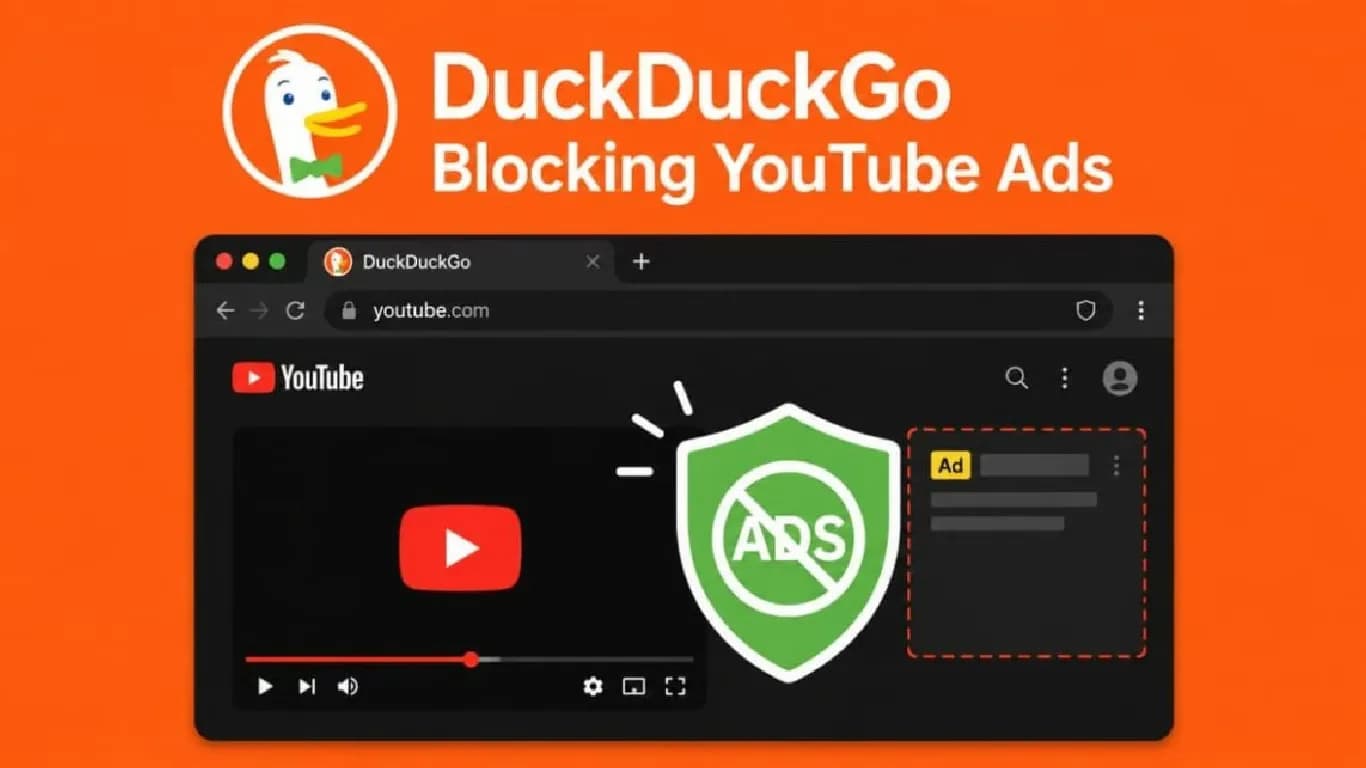
DuckDuckGo Browser Introduces YouTube Ad Blocking for Most Platforms



Follow Us:


5,998 views
DuckDuckGo has announced a new feature that blocks most video ads online, including on YouTube. This update allows users to watch YouTube videos without ads, offering an alternative to YouTube Premium, which costs at least Rs 159 per month. The feature is available at no extra cost to DuckDuckGo browser users.
Key Highlights
- DuckDuckGo browser now blocks most video ads on YouTube and other platforms.
- Ad-blocking is enabled by default on iOS, Windows, and Mac; Android users must enable it manually.
- Feature uses uBlock Origin filter lists and can be toggled in browser settings.
- Google has not yet responded to DuckDuckGo’s YouTube ad-blocking update.
On X, DuckDuckGo shared that its browser now blocks most video ads, including those on YouTube. This move aims to provide users with an uninterrupted viewing experience. DuckDuckGo is not the only browser with this capability. Other browsers like Brave and Opera also offer ad-blocking features for YouTube videos.
How DuckDuckGo Blocks YouTube Ads
DuckDuckGo's new feature blocks ads that appear before and during YouTube videos. Users can watch videos on the Google-owned platform without seeing ads, regardless of video length. The ad-blocking feature is enabled by default on iOS, Windows, and Mac versions of the DuckDuckGo browser. Android users must enable it manually through the browser's settings page. DuckDuckGo plans to make this feature default on Android in the near future.
To use the ad-blocking feature, users must have the latest version of the DuckDuckGo browser. The company notes that ad blocking may cause additional buffering when starting a video, but playback remains uninterrupted once the video loads. DuckDuckGo uses community-driven filter lists from uBlock Origin to block ads. These lists monitor how ads are delivered and help the browser block them effectively.
Users can disable or re-enable the ad-blocking feature at any time from the settings page. The option can also be toggled while a video is playing. In addition to ad-blocking, DuckDuckGo offers a video player that allows users to watch videos without tracking.
Google's Response and Privacy Features
Blocking YouTube ads may attract attention from Google, which owns YouTube. Google has a history of updating YouTube to detect and counter ad-blockers. Using an ad-blocker may violate YouTube's terms of service. Google frequently updates the platform to render ad-blockers ineffective. As of now, Google and YouTube have not responded publicly to DuckDuckGo's new feature.
DuckDuckGo positions itself as a privacy-focused alternative to Google. The browser promotes AI-free search results, though it also offers optional AI features. The new YouTube ad-blocking capability adds to DuckDuckGo’s existing privacy protections. These include blocking tracker-based web ads, managing cookie pop-ups, and enabling global privacy control by default. Global privacy control informs websites not to sell or share users’ personal information.
DuckDuckGo continues to expand its privacy tools as Google advances its AI-powered search. The addition of YouTube ad-blocking further distinguishes DuckDuckGo in the privacy browser market.
Latest News



Reviews & Guides
View All


Samsung Galaxy Buds 4 Pro Review: क्या ₹22,999 में मिलते हैं सबसे बेहतरीन प्रीमियम वायरलेस ईयरबड्स?

कंटेंट क्रिएटर के लिए सबसे दमदार बैटरी लाइफ वाले Windows लैपटॉप, 18 घंटे की मिलेगी बैटरी लाइफ

Samsung Galaxy S26 Ultra क्यों है साल का सबसे बेहतरीन स्मार्टफोन? जानें 5 बड़े कारण

MacBook Neo Review: सस्ता नहीं, Apple का मास्टरस्ट्रोक है ये Laptop!

Samsung Galaxy S26 Ultra Review: AI से लेकर प्राइवेसी डिस्प्ले है सबसे खास, जानें कैसी है परफॉरमेंस

Vivo V70 Elite Review 2026: Price in India, Specs, Features

Raksha Bandhan Special: 6 vivo Smartphones for Every Kind of Sibling

Acer Launches New Nitro 5 Series in india starting price of 167,990

Flipkart Freedom Sale 2026 Starts August 8 With Big Discounts on Smart TVs

Samsung has unveiled its first credit card, Earn 5% back

5 Anti-Scam Tools on WhatsApp that protect you from Digital Fraud

How Samsung’s Galaxy S26 Series is Democratizing Mobile Filmmaking