


Ad
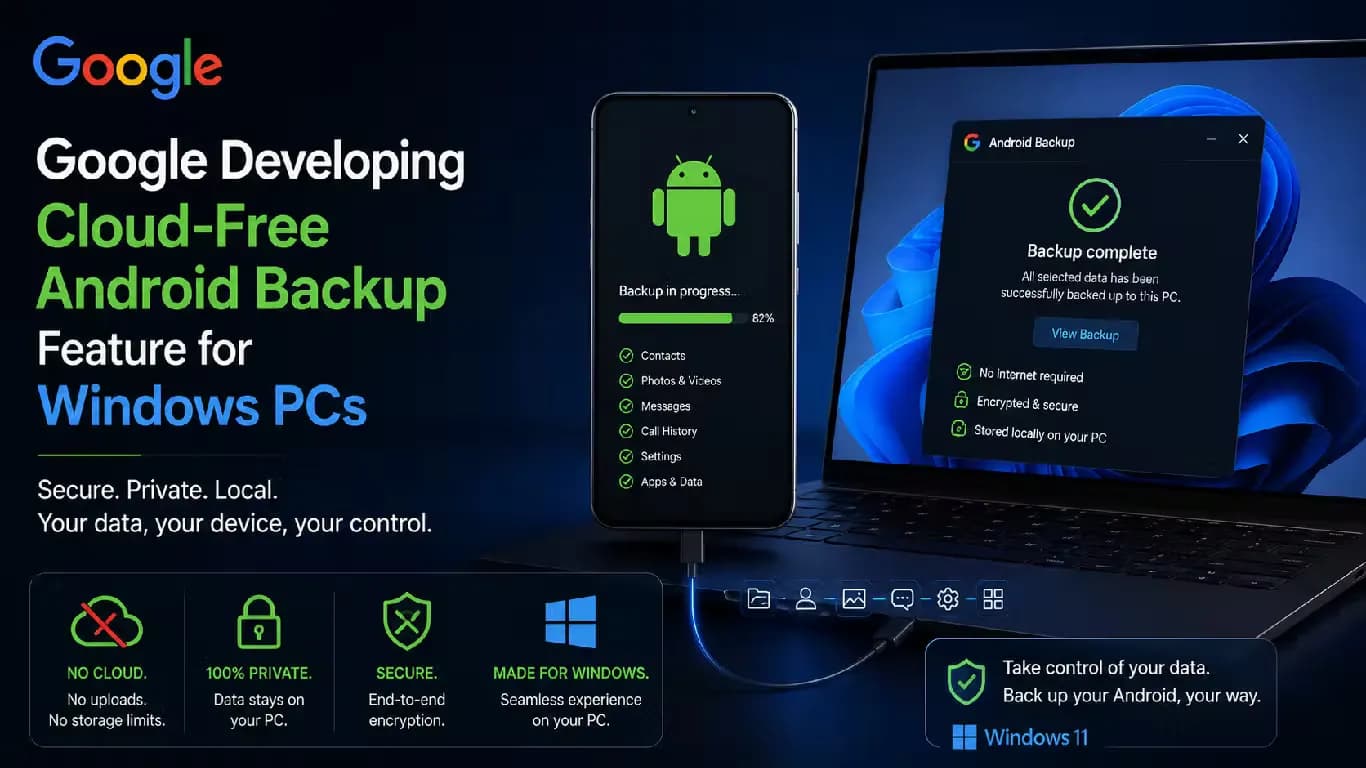
Google Developing Cloud-Free Android Backup Feature for Windows PCs



Follow Us:


6,755 views
Google is developing a new feature that enables Android users to back up their devices to Windows PCs without using the cloud. According to a recent report, this backup process will operate over Wi-Fi when both the Android phone and the Windows PC are connected to the same network.
Key Highlights
- Google is developing a cloud-free backup feature for Android devices to Windows PCs.
- Backup works over Wi-Fi when both devices are on the same network and Google account.
- Samsung phones are excluded due to existing Smart Switch app compatibility.
Feature Details and Requirements
The latest version of the Google Play Services app contains a hidden information page about this upcoming feature. The page reveals that the backup will require users to access the Quick Share app on their Windows PC and activate the function. Both the Android phone and the PC must be signed into the same Google account for the backup to work.
Users will be able to select specific photos and videos on their Android phones for backup. The process is designed to be automatic, reducing the need for manual transfers or cloud storage.
Device Compatibility and Limitations
The information page notes that Samsung phones are not supported by this new backup feature. This exclusion may relate to Samsung's existing Smart Switch app, which already offers extensive backup options for Samsung users. However, Smart Switch does not currently provide automatic backups, which Google's system aims to deliver.
Since only Samsung devices are specifically excluded, the feature is expected to work with other Android phones. There is no indication that other brands face similar restrictions.
How the Backup Works
To use the backup feature, users must ensure both their Android phone and Windows PC are on the same Wi-Fi network. After signing into the same Google account on both devices, users can activate the backup through the Quick Share app on the PC. The system will then allow the selection and transfer of photos and videos from the phone to the PC.
This approach provides an alternative to cloud-based backups, offering users more control over their data and potentially faster transfer speeds within a local network.
Potential Impact for Android Users
Google's new backup feature could benefit Android users who prefer local storage or have limited cloud storage space. The exclusion of Samsung devices means users of other Android brands will be the primary beneficiaries. The feature's integration with Quick Share and Google accounts aims to streamline the backup process for Windows PC users.
Latest News


Reviews & Guides
View All


Samsung Galaxy Buds 4 Pro Review: क्या ₹22,999 में मिलते हैं सबसे बेहतरीन प्रीमियम वायरलेस ईयरबड्स?

कंटेंट क्रिएटर के लिए सबसे दमदार बैटरी लाइफ वाले Windows लैपटॉप, 18 घंटे की मिलेगी बैटरी लाइफ

Samsung Galaxy S26 Ultra क्यों है साल का सबसे बेहतरीन स्मार्टफोन? जानें 5 बड़े कारण

MacBook Neo Review: सस्ता नहीं, Apple का मास्टरस्ट्रोक है ये Laptop!

Samsung Galaxy S26 Ultra Review: AI से लेकर प्राइवेसी डिस्प्ले है सबसे खास, जानें कैसी है परफॉरमेंस
Vivo V70 Elite Review 2026: Price in India, Specs, Features

Raksha Bandhan Special: 6 vivo Smartphones for Every Kind of Sibling

Acer Launches New Nitro 5 Series in india starting price of 167,990

Flipkart Freedom Sale 2026 Starts August 8 With Big Discounts on Smart TVs

Samsung has unveiled its first credit card, Earn 5% back

5 Anti-Scam Tools on WhatsApp that protect you from Digital Fraud

How Samsung’s Galaxy S26 Series is Democratizing Mobile Filmmaking