



Ad
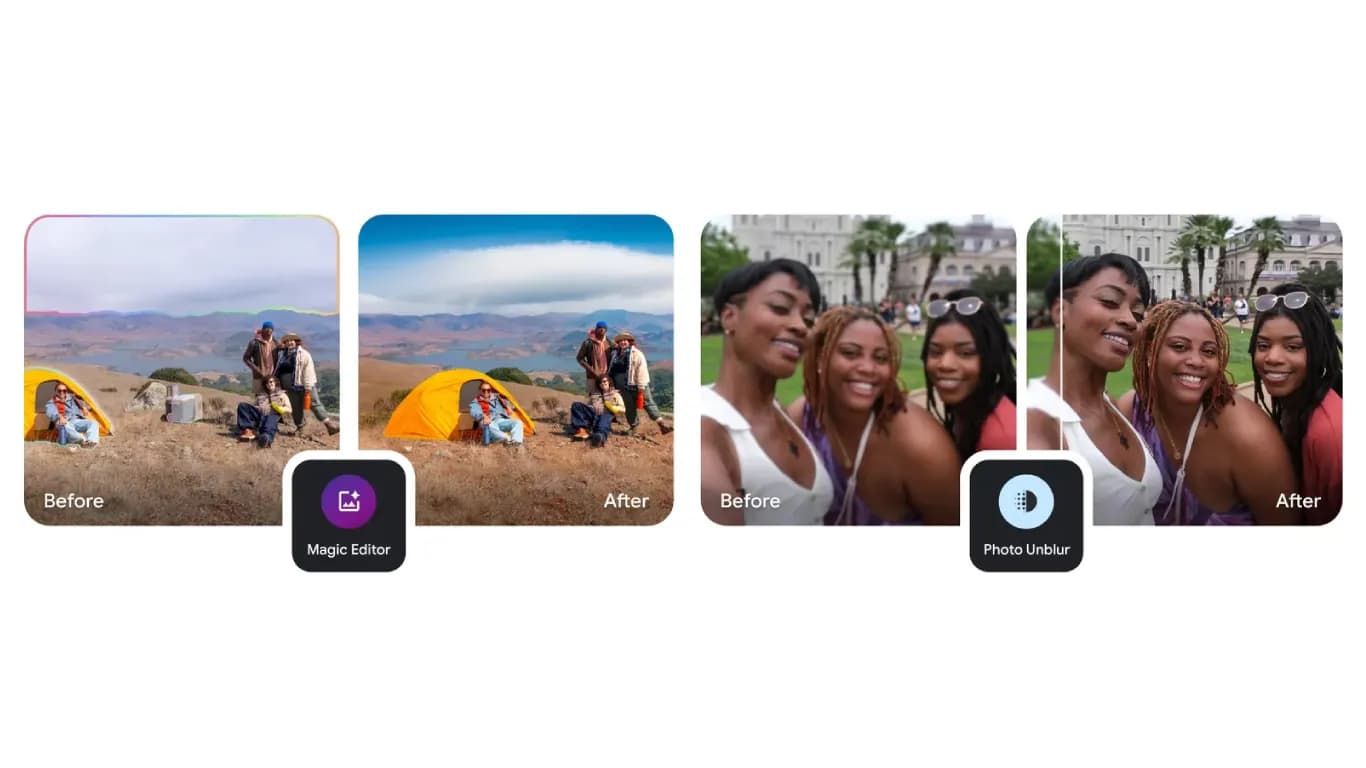
Google Photos Adds New Touch-Up Tools for Enhanced Portrait Editing



Follow Us:


539 views
Google has launched new touch-up tools in the Google Photos image editor. These features allow users to make subtle improvements to portraits. The tools can refine skin texture, remove blemishes, brighten eyes, and whiten teeth. Users can access these enhancements by selecting a face in a photo and choosing from several options.
Key Highlights
- Google Photos now offers new touch-up tools for portrait editing
- Users can refine skin, remove blemishes, and brighten eyes or teeth
- Adjustable intensity lets users control the level of enhancement applied
New Editing Features Explained
The new touch-up tools include options such as heal, smooth, under eyes, irises, teeth, eyebrows, and lips. Each tool targets a specific aspect of facial appearance. For example, the heal tool helps remove blemishes, while the smooth tool refines skin texture. The under eyes option can reduce the appearance of dark circles. The irises and teeth tools brighten eyes and whiten teeth, respectively. Eyebrows and lips tools allow for further facial adjustments.
After selecting a desired effect, users can adjust the intensity of the enhancement. This gives users more control over the final appearance of their edited photos. The update aims to make portrait editing more accessible and customizable for all Google Photos users.
How to Use the New Tools
To use these new features, open a photo in Google Photos and enter the image editor. Select a face in the photo. Next, choose one of the available touch-up options. Adjust the effect's intensity using the provided slider. This process allows users to apply precise changes to their portraits without needing advanced editing skills.
These enhancements are part of Google's ongoing efforts to improve its photo editing tools. The update is available to all users with the latest version of Google Photos. The new features are designed to help users achieve professional-looking results with minimal effort.
Latest News


Reviews & Guides
View All


Samsung Galaxy Buds 4 Pro Review: क्या ₹22,999 में मिलते हैं सबसे बेहतरीन प्रीमियम वायरलेस ईयरबड्स?

कंटेंट क्रिएटर के लिए सबसे दमदार बैटरी लाइफ वाले Windows लैपटॉप, 18 घंटे की मिलेगी बैटरी लाइफ

Samsung Galaxy S26 Ultra क्यों है साल का सबसे बेहतरीन स्मार्टफोन? जानें 5 बड़े कारण

MacBook Neo Review: सस्ता नहीं, Apple का मास्टरस्ट्रोक है ये Laptop!

Samsung Galaxy S26 Ultra Review: AI से लेकर प्राइवेसी डिस्प्ले है सबसे खास, जानें कैसी है परफॉरमेंस
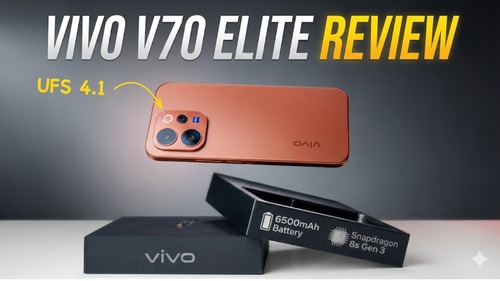
Vivo V70 Elite Review 2026: Price in India, Specs, Features

Best Phone Under ₹10,000 for Elderly and Senior Citizens

Haier 32, 43 & 55 Inch LED TV: Full Specifications & Price Comparison

Best 4K TVs Under ₹40,000 in India (2026)

Lava Virat Curve 5G Price in India, Launch Date & Specs 2026

Samsung Galaxy S26 FE Price in India ₹79,999, Specs & Offers

Samsung Galaxy S26 FE vs iPhone 17: Price & Specs